
Multi-account journaling
Forex, stocks, futures, options, crypto, or anything else you track. Each account keeps its currency, timezone, deposits, and withdrawals, and the portfolio still rolls them into one base currency.
Features
Import, organize, measure, and review. The chart page embeds TradingView when you want price context next to the journal.
Forex, stocks, futures, options, crypto, or anything else you track. Each account keeps its currency, timezone, deposits, and withdrawals, and the portfolio still rolls them into one base currency.
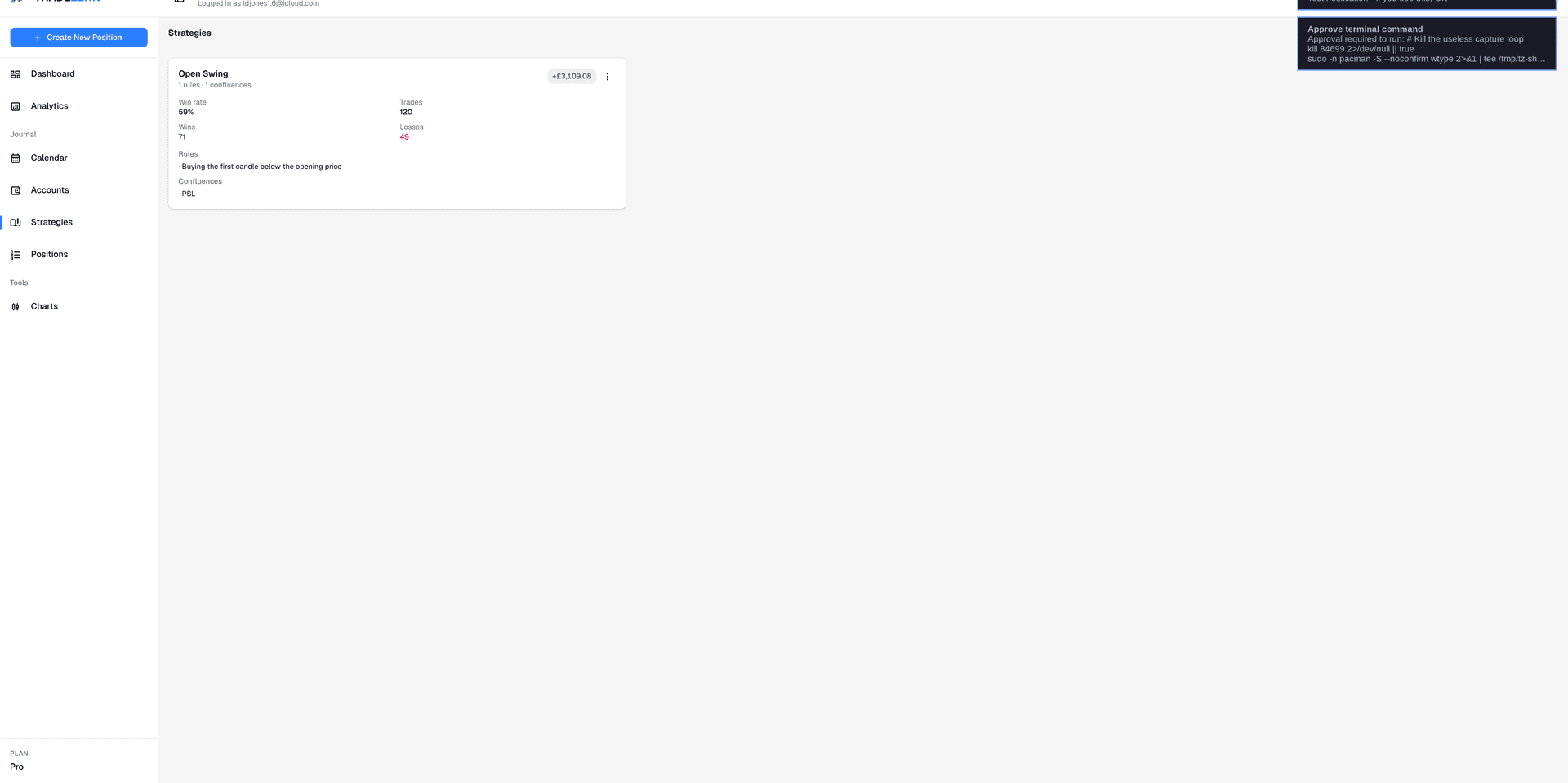
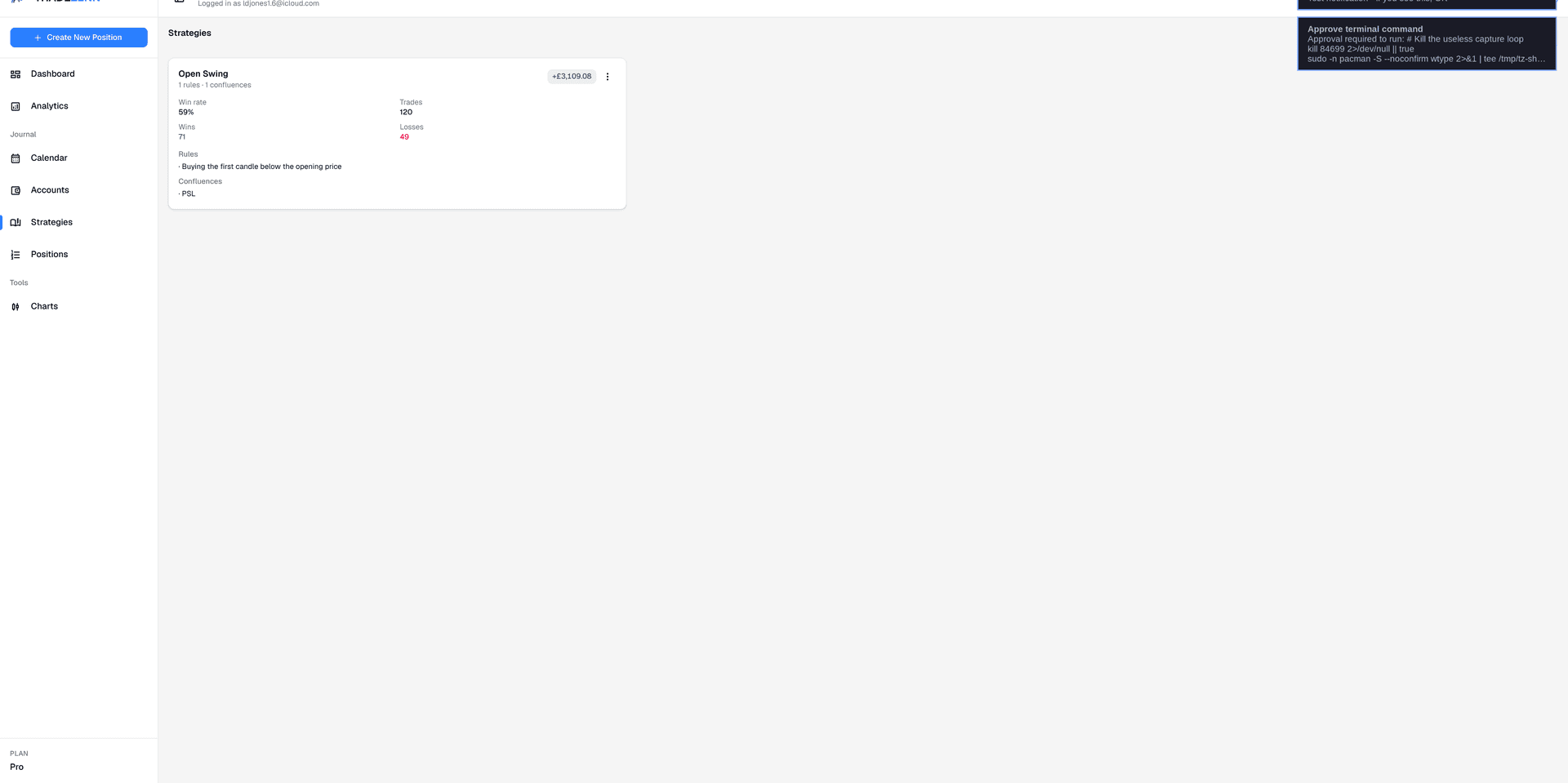
Name a setup, write the rules, and attach the trades that followed it. Win rate and P&L stay with that strategy instead of dissolving into the whole account.
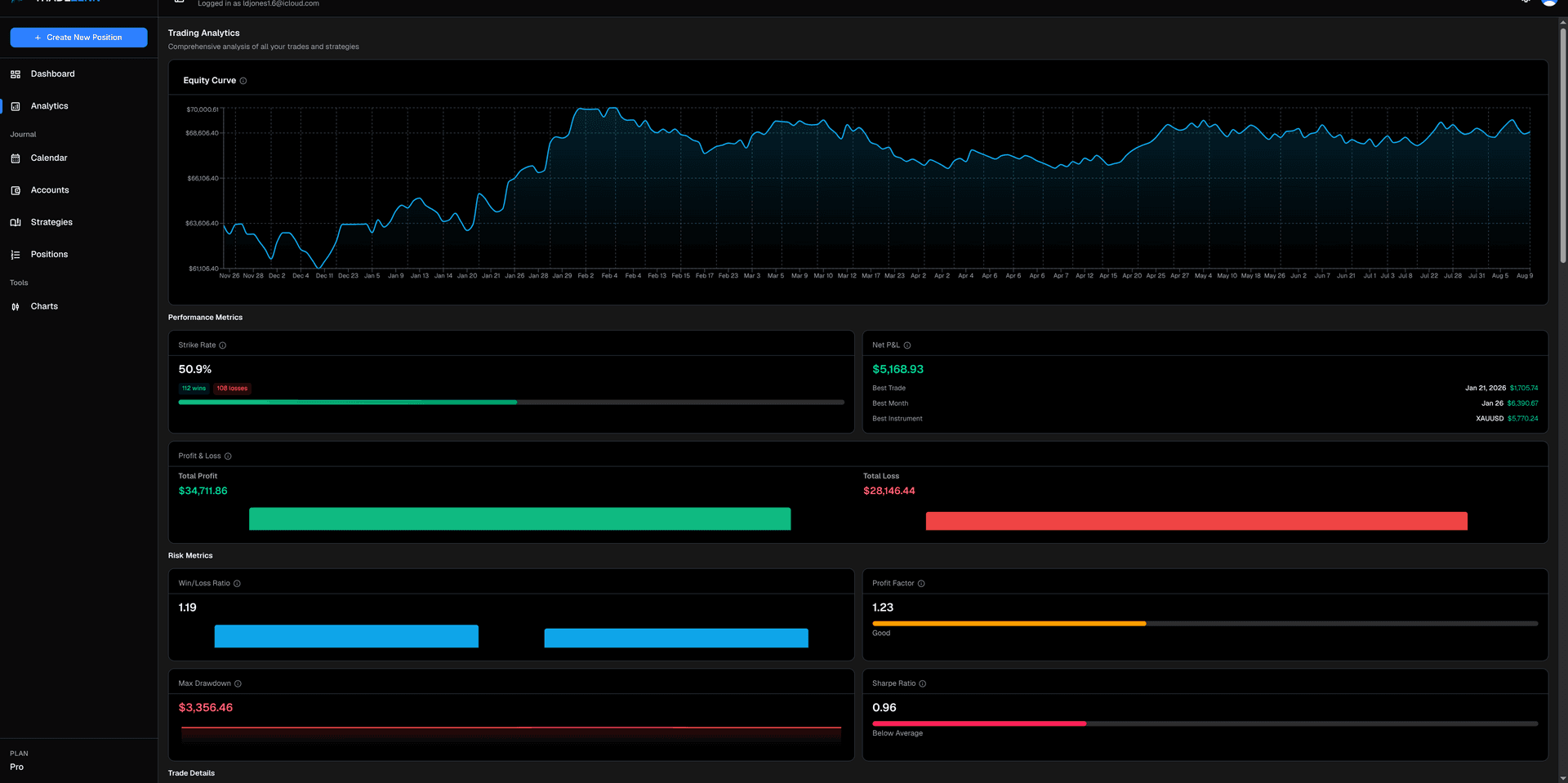
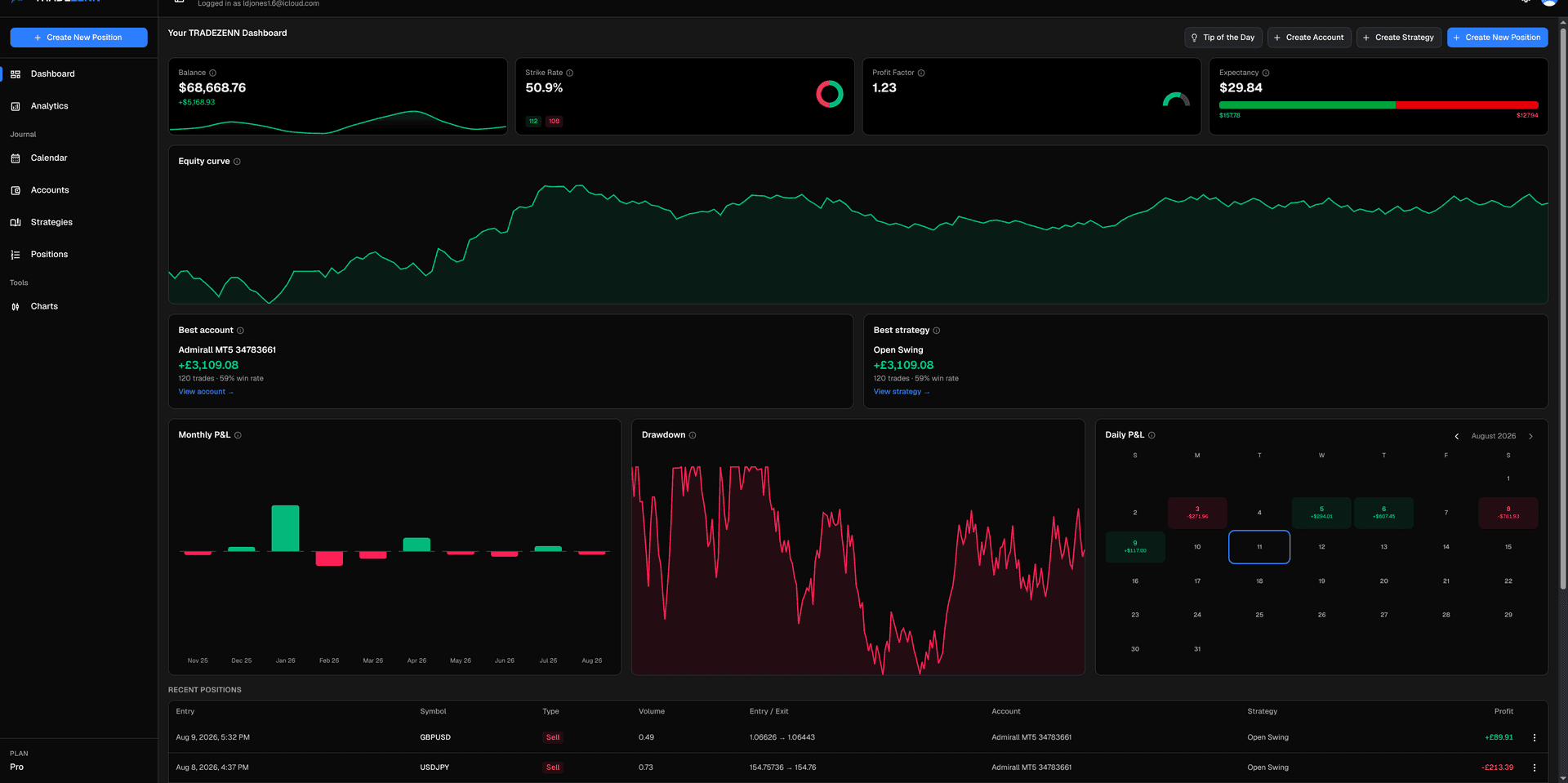
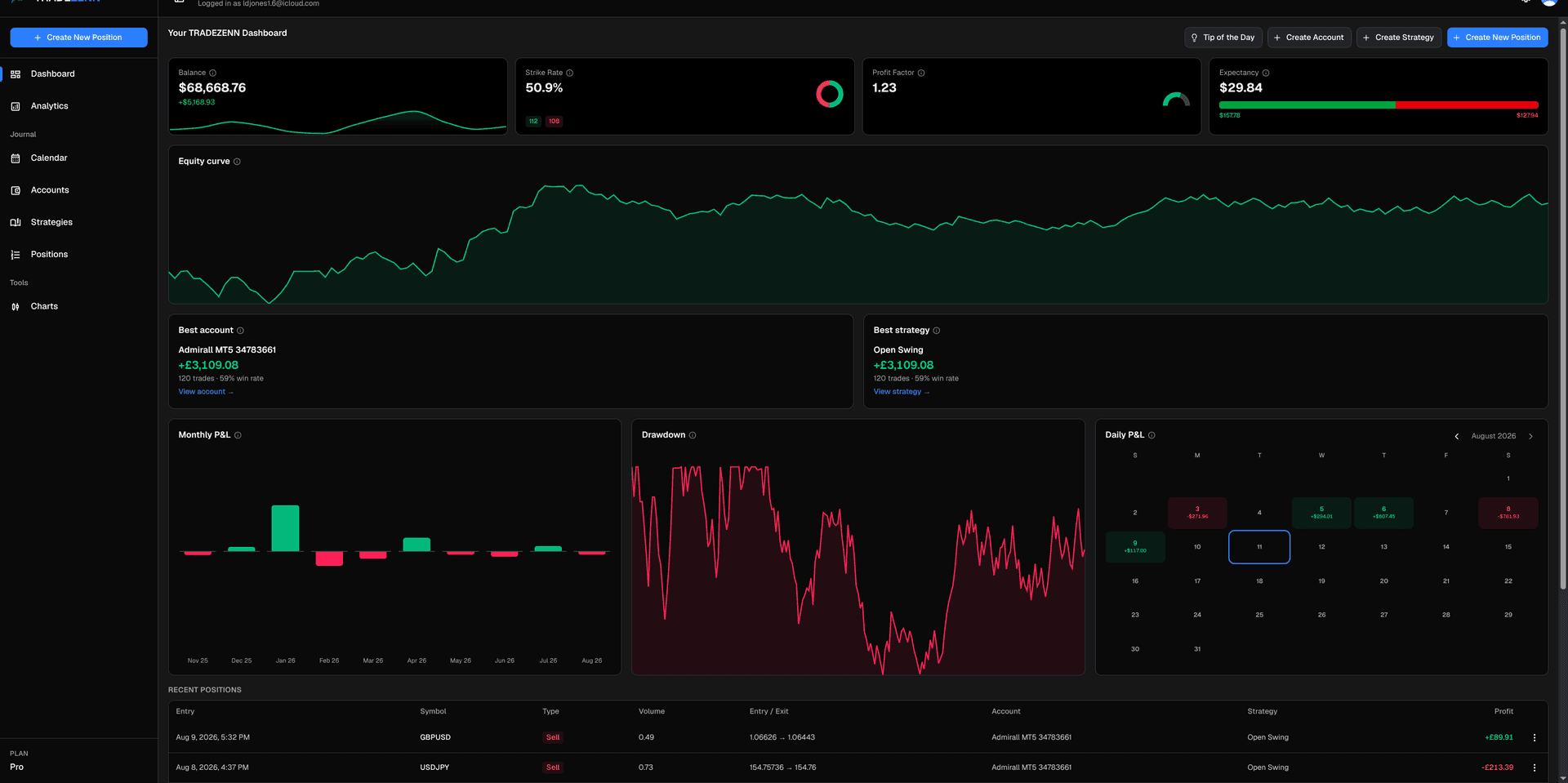
Equity curve, strike rate, expectancy, profit factor, max drawdown, and Sharpe, plus breakdowns by symbol, weekday, month, and long versus short.
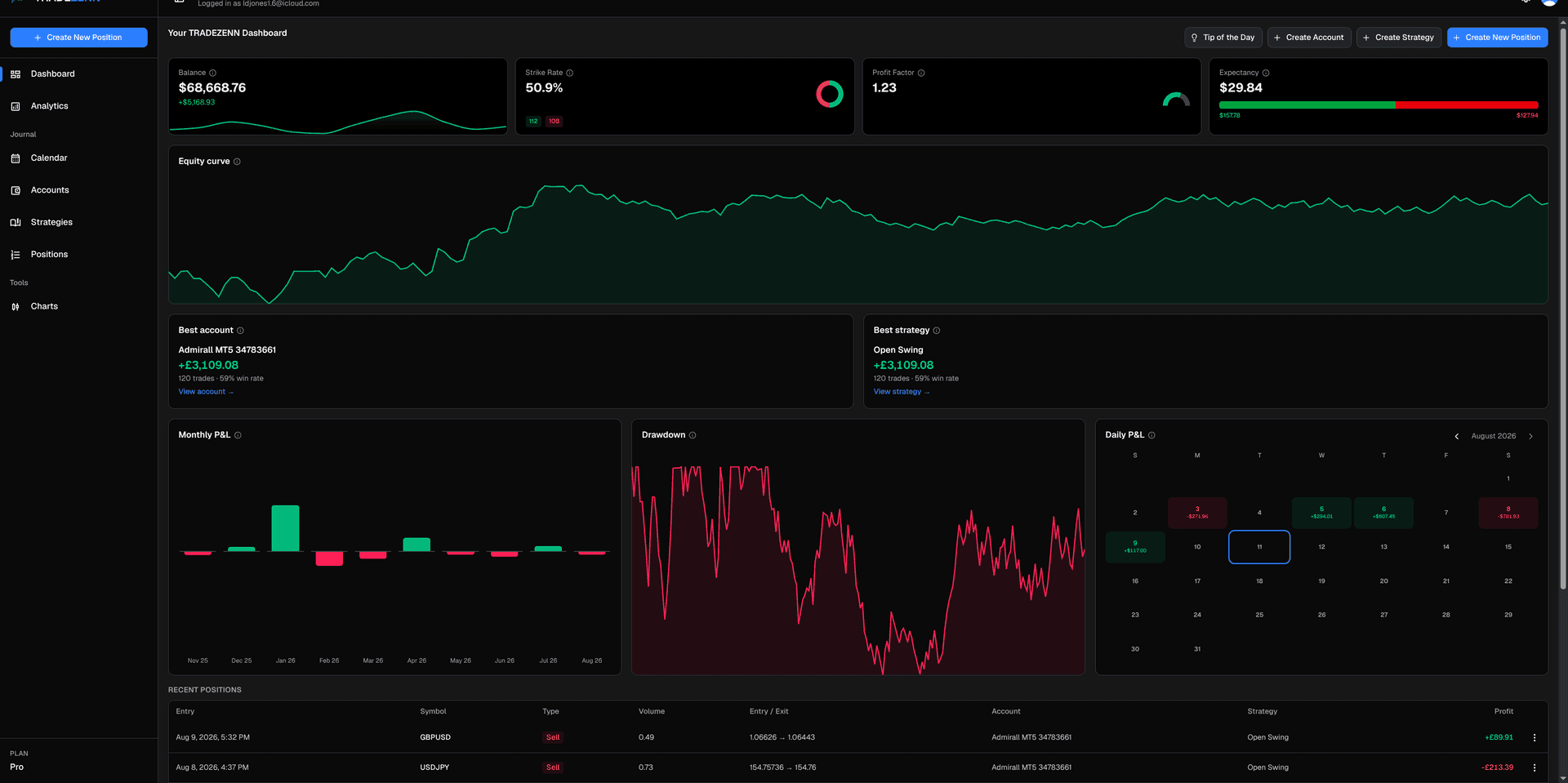
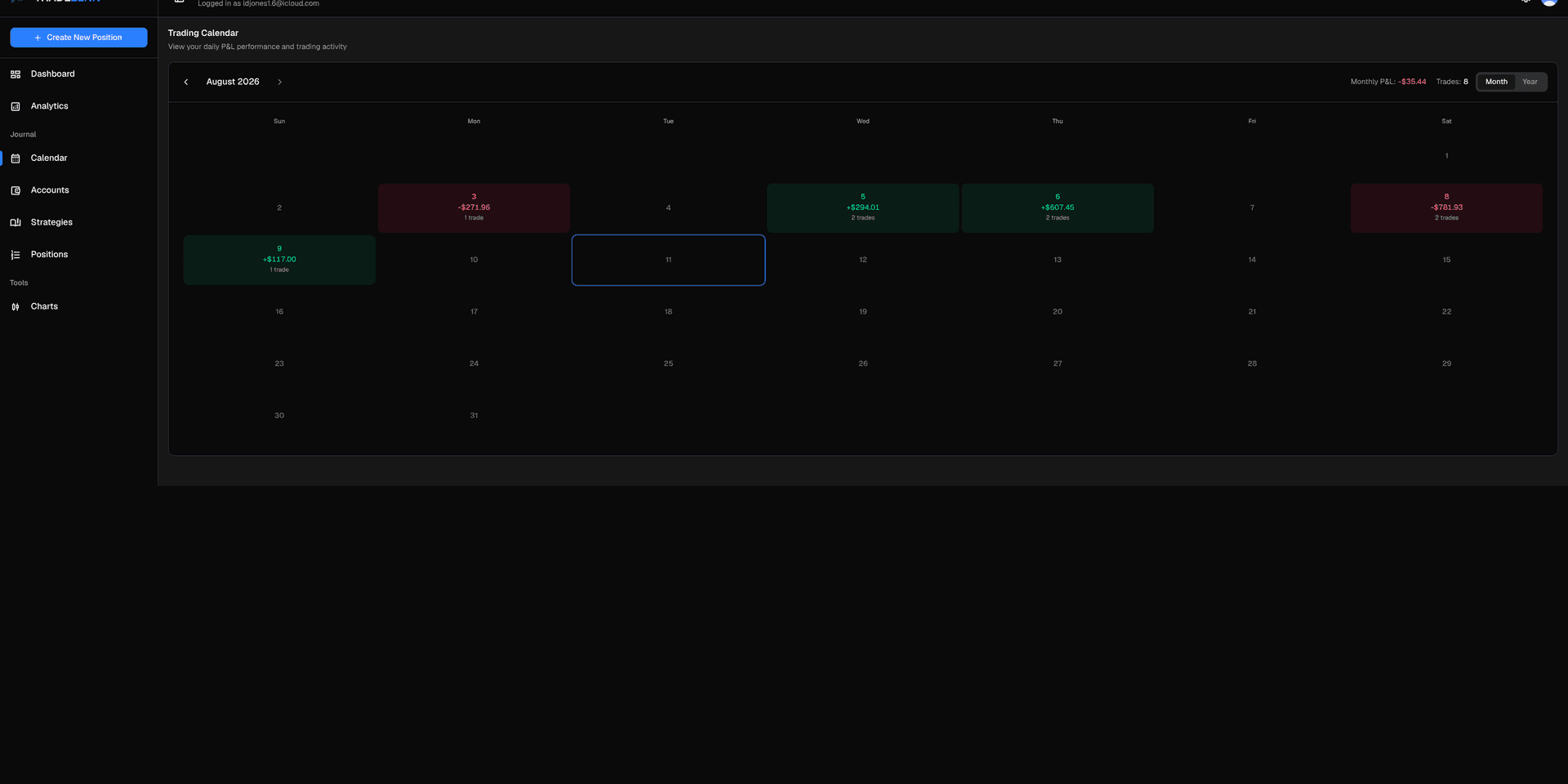
A year of daily P&L, then the month and the day underneath it. Open a date and see the trades that made the number.
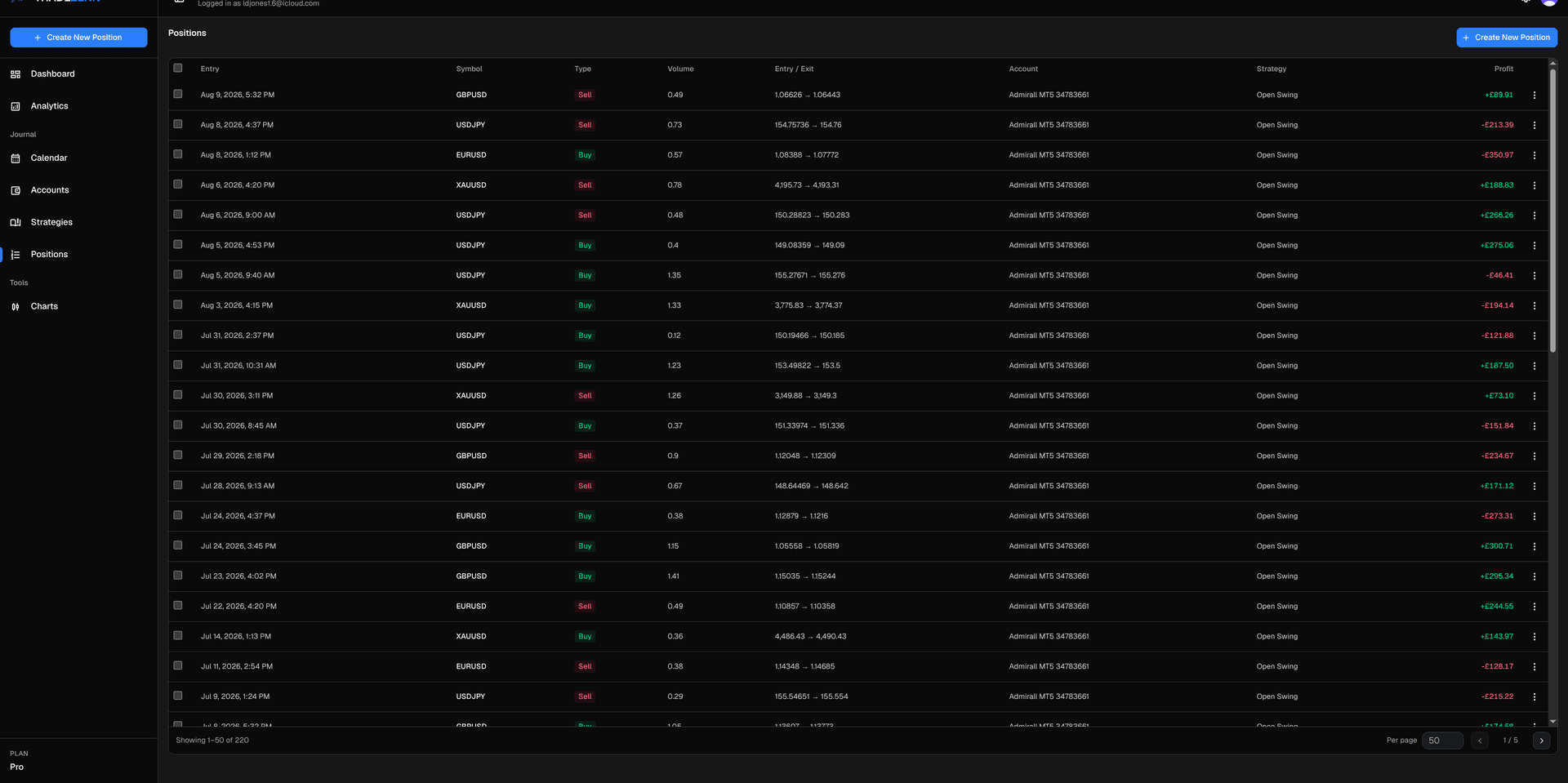
Entry, exit, size, stop, target, commission, swap, and profit. Add notes and TradingView screenshot links when the chart is part of the review.
Upload a MetaTrader 5 .xlsx history or a Tradovate .csv. Duplicates are skipped. On Free, imports stop at 100 trades and keep the earliest ones.
Once you have 10 closed trades, Zenn reads the recent history and writes three notes: improve, do more, do less. One a week on Free. One a day on Pro.
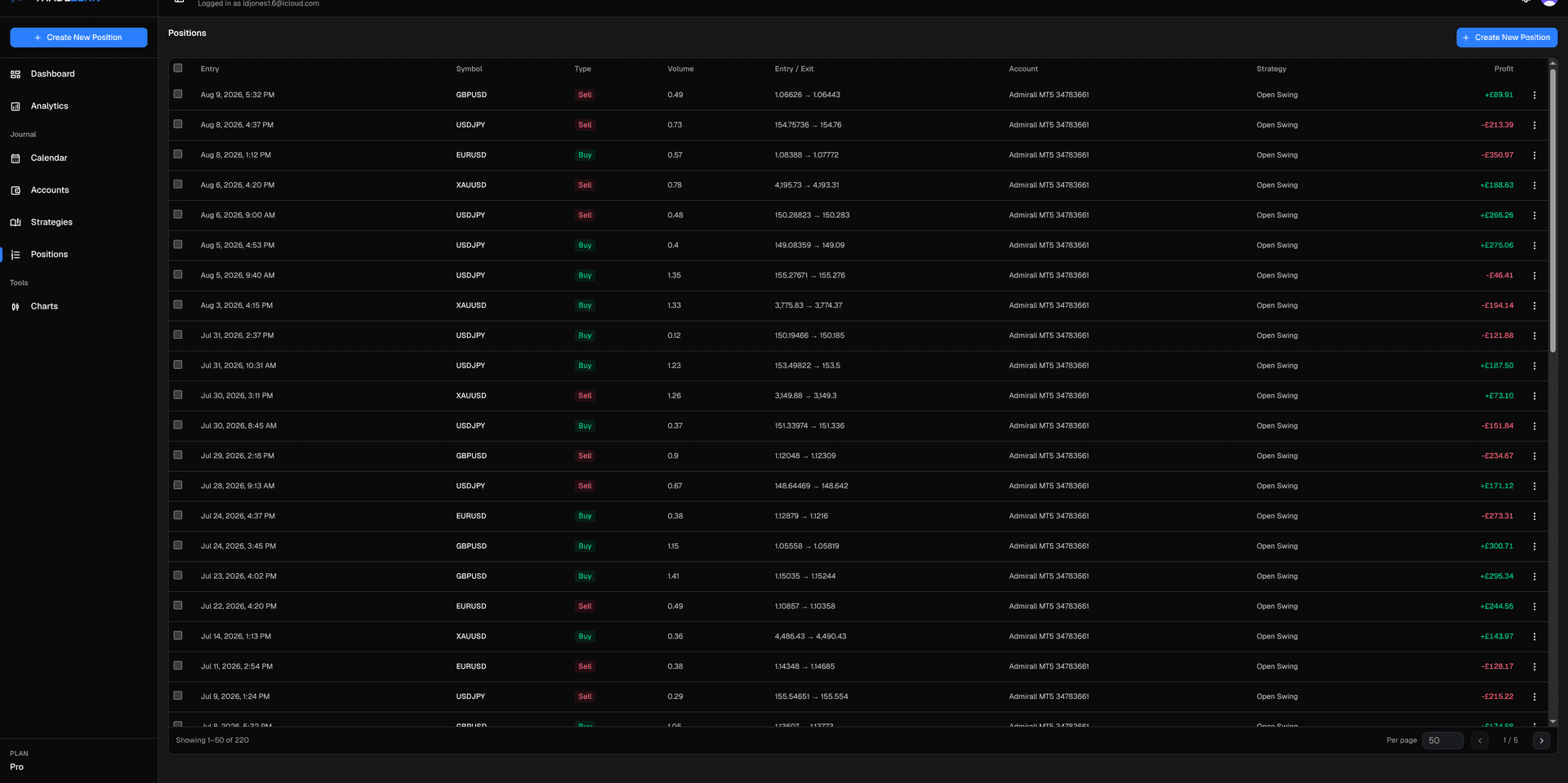
Scan the book, then bulk-assign an account or strategy, or delete the rows that do not belong. The table is the working surface, not a dump of the export.
Start free with 100 trades. Move to Pro when you want unlimited history and a daily note from Zenn.